
Platform Overview
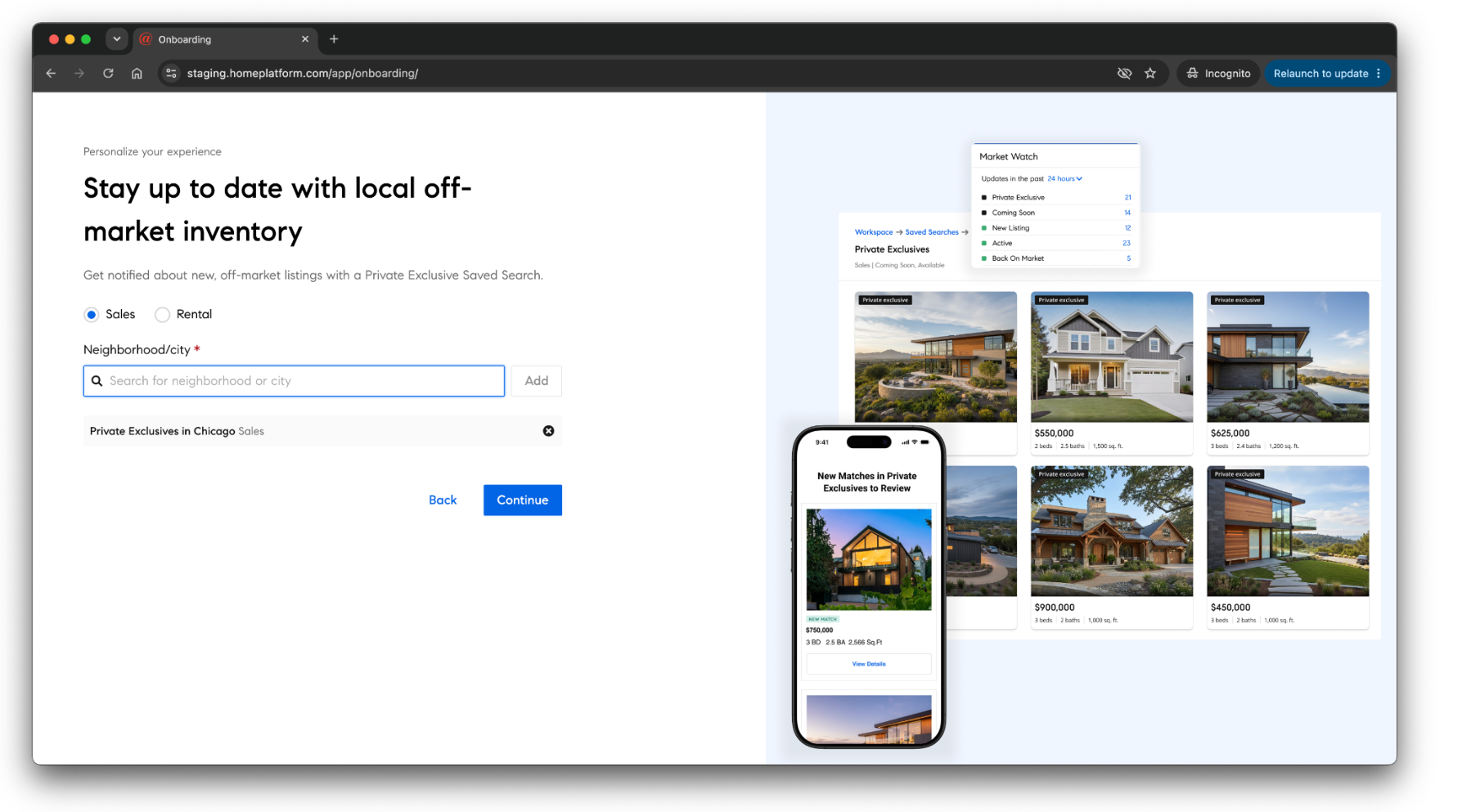
Private Exclusives on Home Platform:
Market Watch + Saved Search
Private Exclusives are an exclusive way for @properties agents to generate pre-market excitement for your client’s home. The best way to keep track of this exclusive inventory in your area is by creating a personal Market Watch for them and a Saved Search for you. We encourage you to follow the steps in the links below to Home Academy to learn more!
Required:
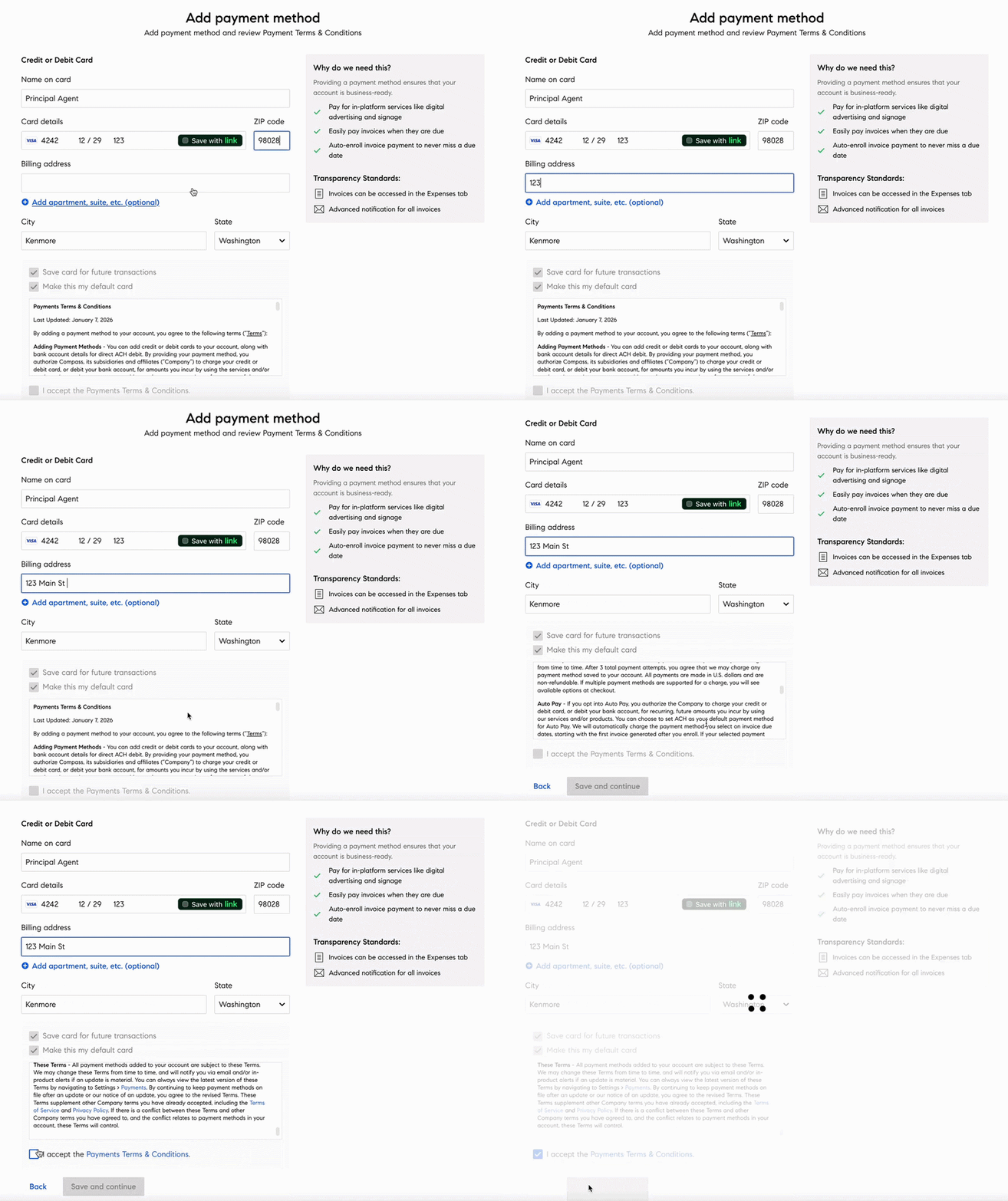
Add a Payment Method
Let’s update your Payment Settings, which is a requirement to transact on the Home platform, order signs, purchase digital ads, and pay invoices Agents are required to store a credit card on file. It is a standard brokerage procedure. In addition to your credit card, you can now add a U.S. bank account (ACH) to your payment settings and use it to pay invoices, set up AutoPay, or manage payment plans. To learn more, click HERE.
You can also click HERE to get started!
To get started, navigate to “Settings” on your Home Platform home page at the bottom left.
Select, the “Payments” box and then click “Add payment method.” Add your preferred credit or debit card to ensure your payments are processed on invoice due dates.
Please watch the video to your left to guide you through this as well.
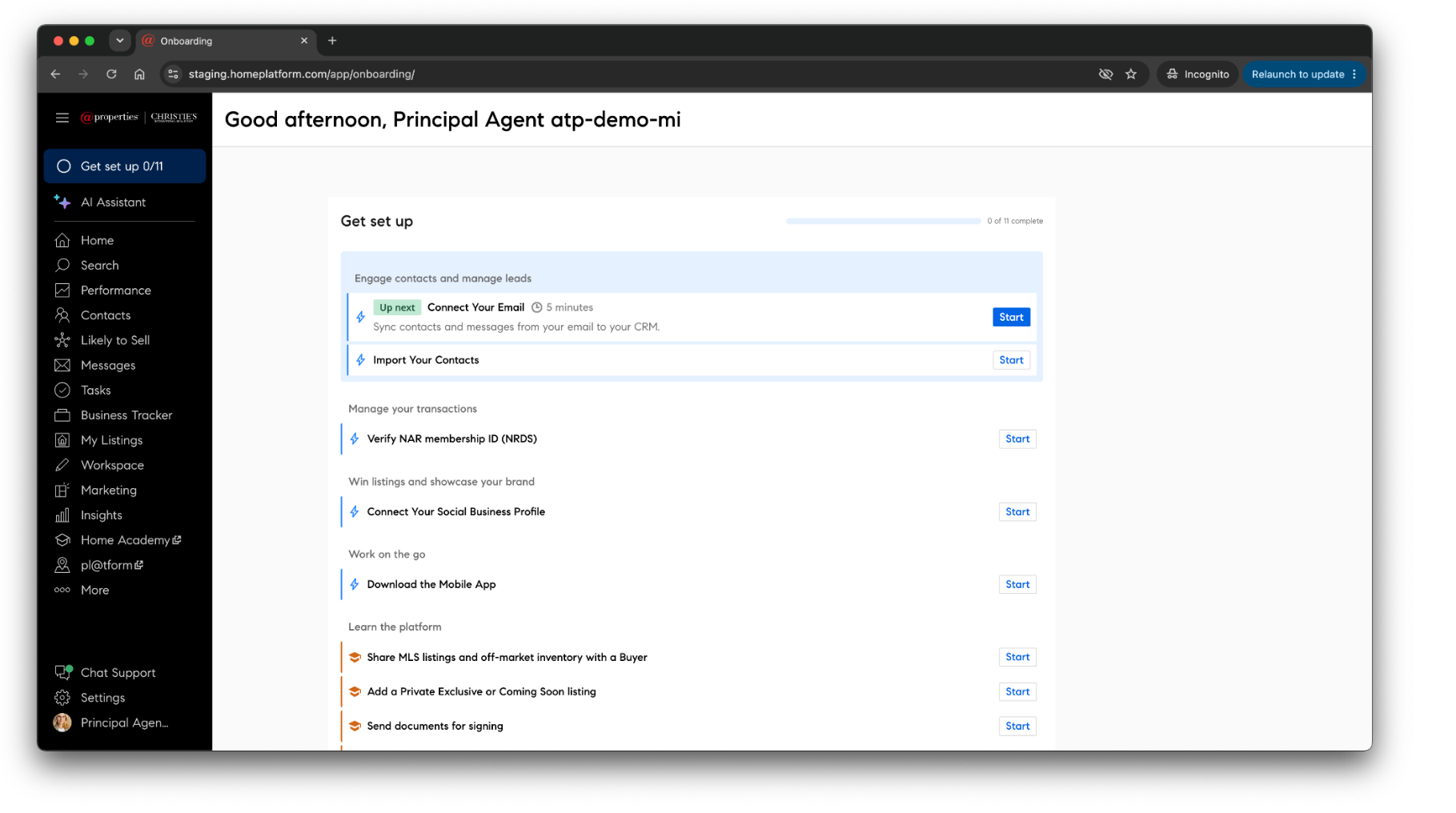
Get Set Up: Home Platform
Use the Get set up page as a way to continue the initial steps you worked on during your onboarding session. Remember to return to this page following your onboarding to complete the remainder tasks and set your business up for success now that you are under @properties as a licensed agent. As a reminder, these tasks should already be completed:
Connected your brokerage Email to your CRM
Verified your NAR membership on the platform
Completed signing into the Home Platform Mobile App
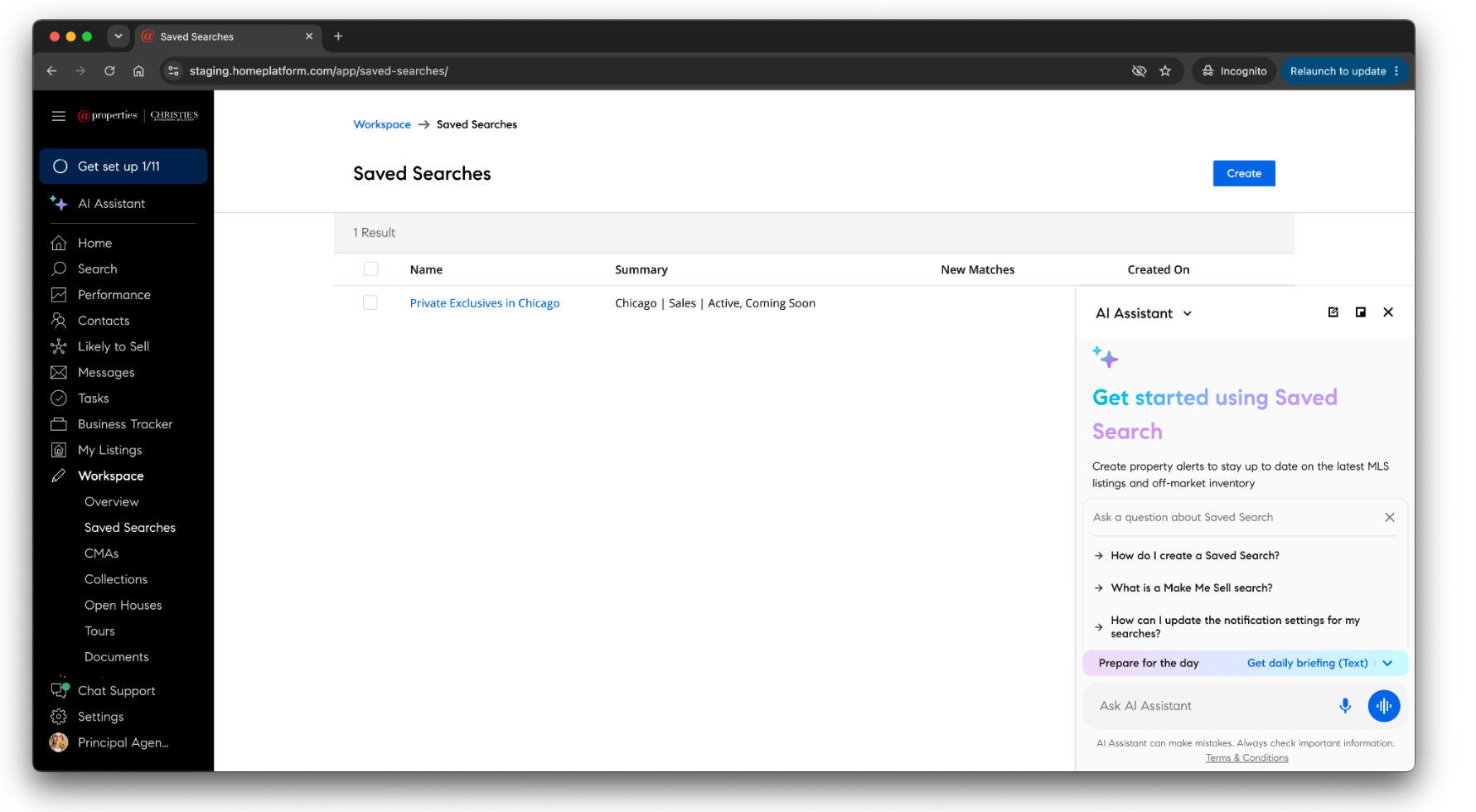
AI Assistant Overview
Saving Time & Flattening the Learning Curve
The AI Assistant serves as a powerful virtual partner integrated directly into the Home Platform. The voice-powered AI can handle administrative tasks, draft emails, manage client databases, and surface follow-up opportunities based on buyer behavior. By automating administrative overhead and surface-level tasks, it allows agents to focus on client relationships. Key capabilities include:
Intuitive Navigation: Eliminates complex software learning curves by enabling agents to command outcomes directly, bypassing manual navigation of CRMs and collection tools.
Intelligent Insights: Harmonizes data across buyer behavior, open house attendance, listing engagement, and CRM metrics to automatically prioritize high-value follow-ups.
Seamless CRM Management: Simplifies task creation by logging reminders and personalized client notes directly into the system.
Automated Communication: Streamlines workflows for easy outreach by instantly drafting emails and providing consolidated Daily Briefing summary of critical tasks and spotlighting recent client activity.
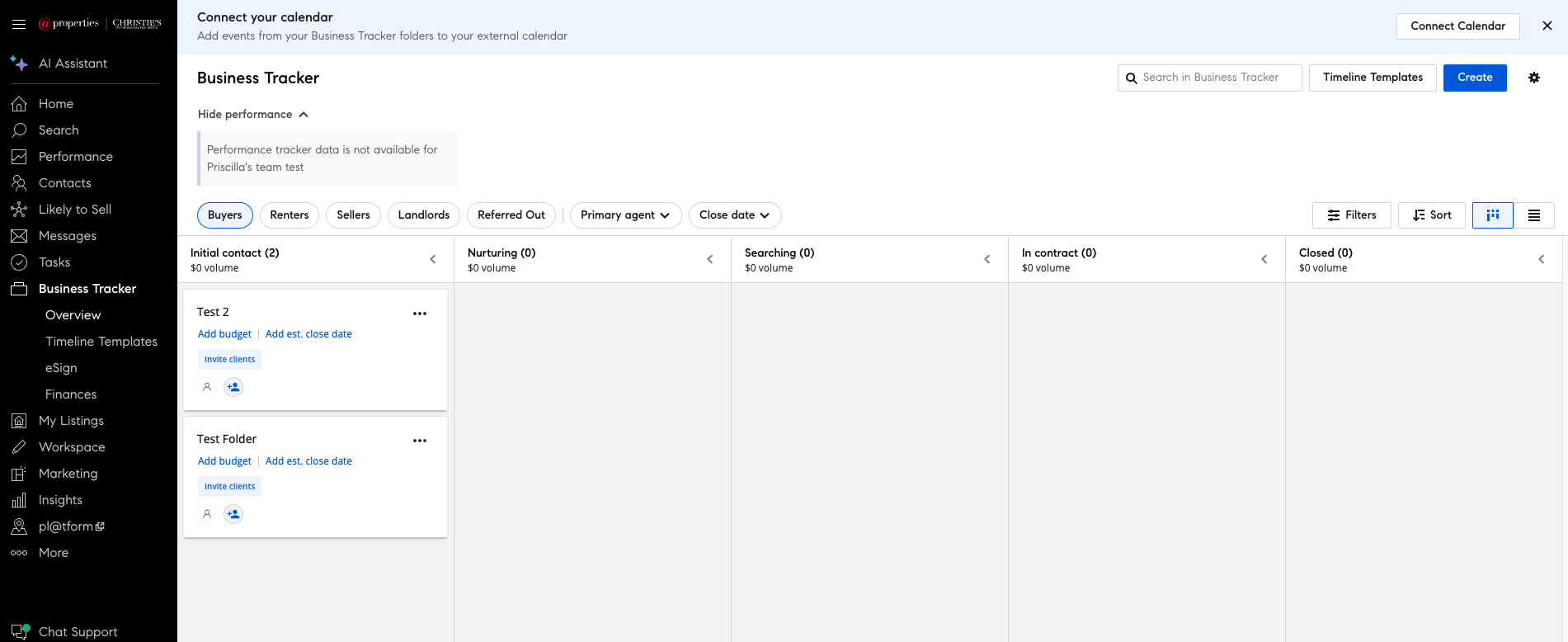
Business Tracker
Use Business Tracker to manage your transactions! Not only does it help you efficiently manage and track your pipeline, but it’s also where you will submit all related Compliance and Commission details –streamlined in one place!
Manage your Pipeline
Upload transaction paperwork
Built-in commissions processing
Track transactions and payments all in one place
To learn more about Business Tracker and how to get paid, Click Here.
Verify Your NRDS ID:
Please verify your NRDS ID on Business Tracker.
*Note for newly licensed agents: You will receive your NRDS ID shortly after you have joined your local association of Realtors.
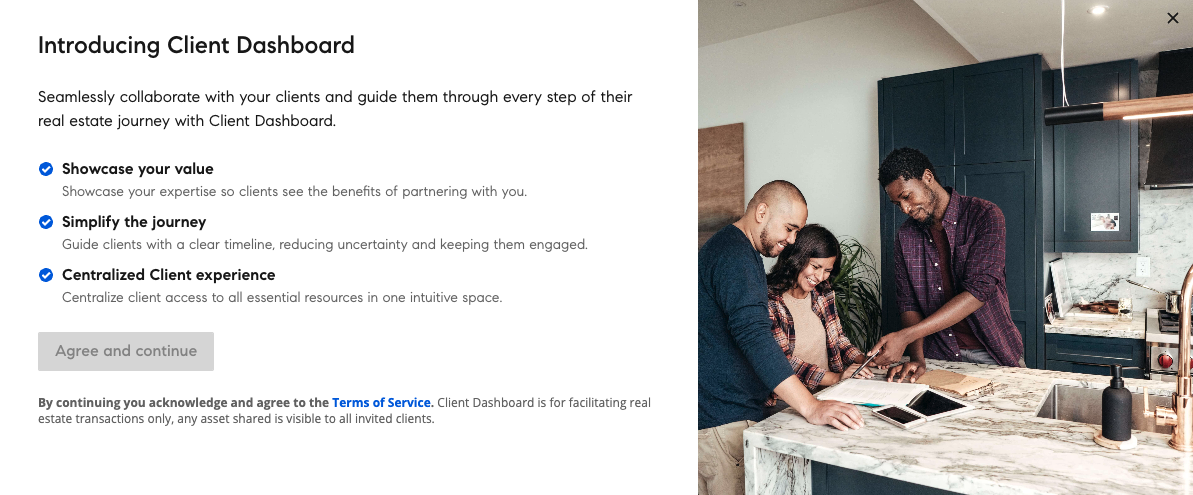
Client Dashboard
A centralized hub that guides clients through the entire home buying, renting and selling process, enabling @properties agents to deliver the best experience in real estate.
Key Features:
Collaboration: Collaboration is centered around Business Tracker folders. Clients and any agent/team collaborators must be added to the relevant Business Tracker folder to access the Client Dashboard features.
Linked Resources in Business Tracker: Resources attached to / linked to a Business Tracker folder can be shared directly with a client on their dashboard, including Collections, CMA, Documents, Tours + Open House Details (coming soon), and Contact Information.
Timelines: Timelines will display all tasks and events for a transaction, along with new anchoring rules for task and event due dates based on key dates. Agents will want to first customize their timeline templates prior to enabling client visibility for tasks & events.
Visibility: Agents will have full control over what is visible to their clients on their dashboard and can preview the experience at any time.
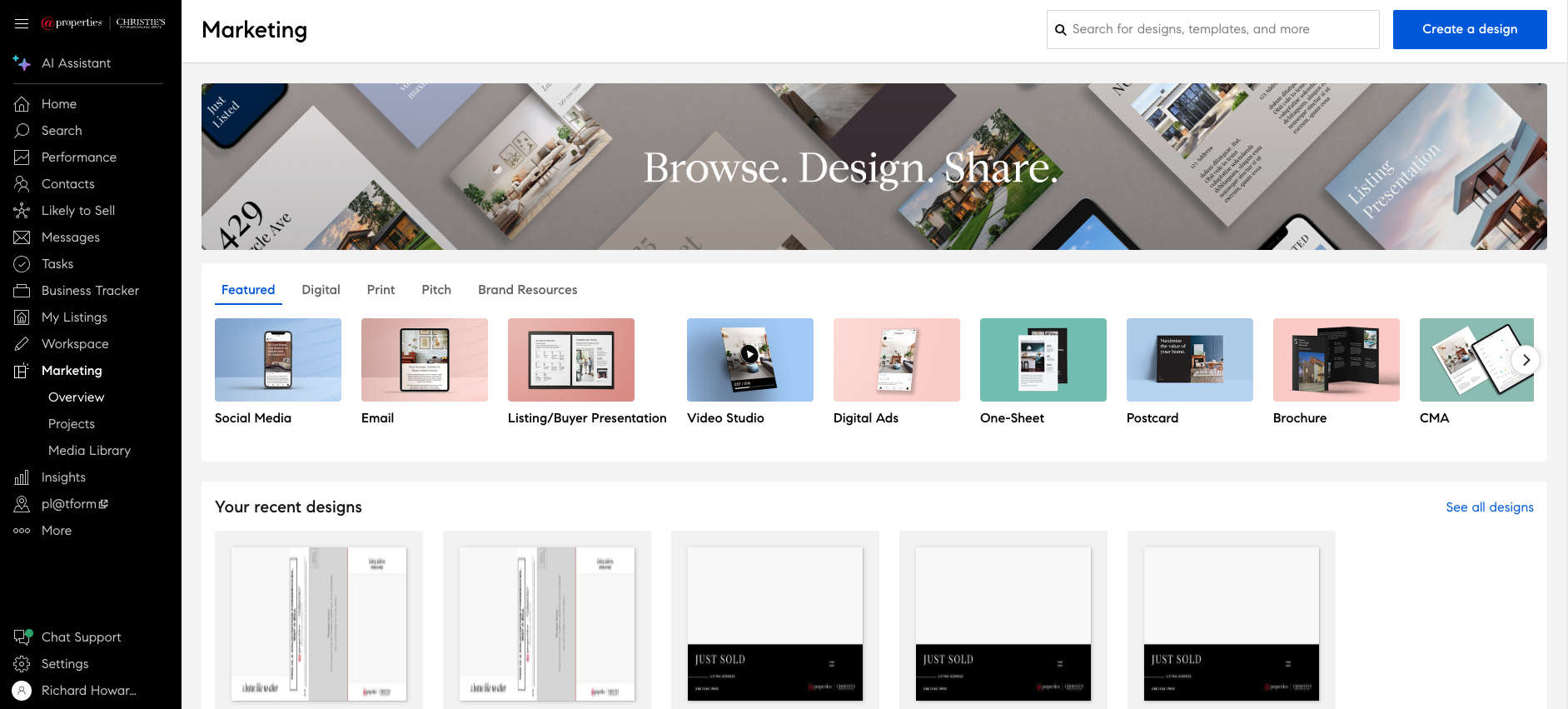
Marketing Center is your one-stop-shop for creating all your listing and personal brand collateral. In Marketing Center, you can create:
CMA Reports
Listing Presentations
Sellers and Buyers Guides
Digital Ads, Listing Videos and Social Media Assets
Newsletter and Custom Branded Emails
Brochures, Bi-Folds, and Postcards
Send Client Gifts
…and so much more!
Marketing Center
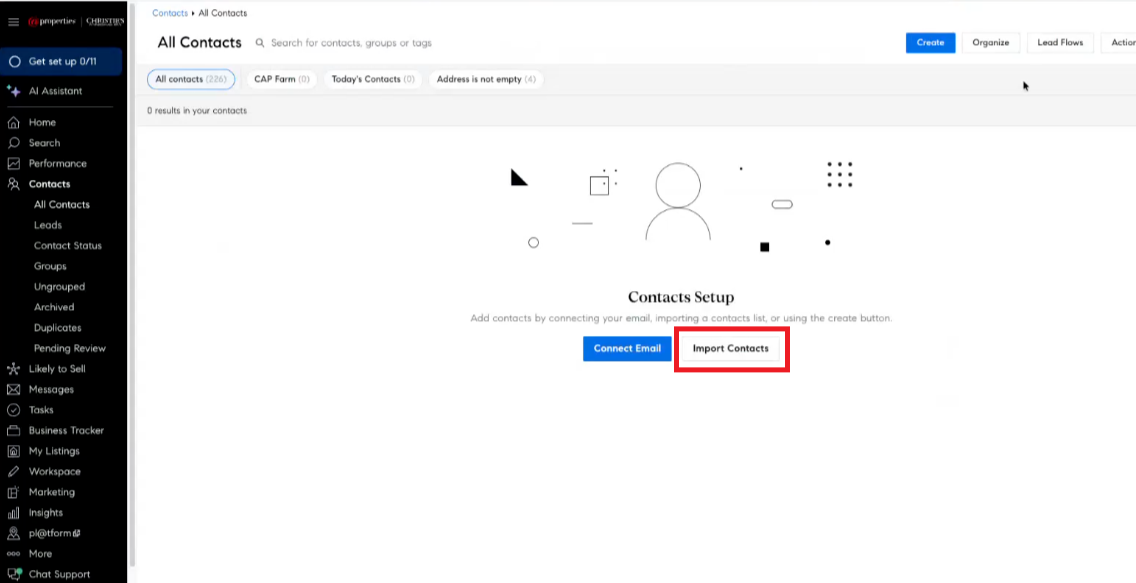

CRM
CRM, or Contacts as it’s shown as on Home Platform, holds all of your contacts in one place, using easy-to-follow steps and automatic tools, and guides you to master daily, weekly, monthly, and event-specific contact plans that keep you front and center in your clients' minds. In CRM, you can:
Upload and organize your contacts
Create ‘Action Plans’ which reminds you to complete designated tasks for a listing or a client
Send one communication to multiple contacts using Bulk Email
Never forget a client's anniversary, birthday, or milestone again!
Send Client Gifts
Lead Generation & Pixel
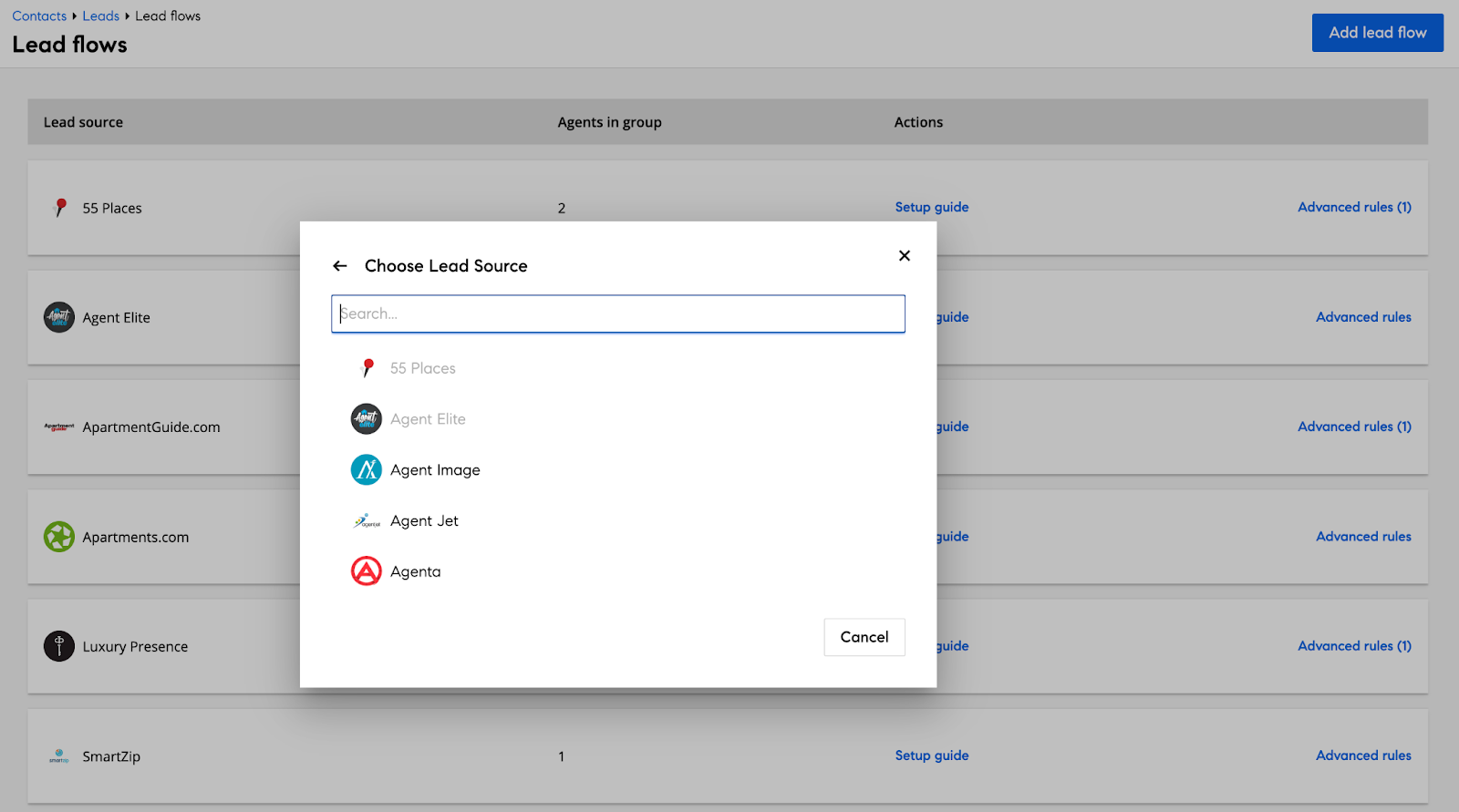
Lead Flows is where you can configure 3rd-party lead sources to automatically route new leads into the Home Platform. This feature unlocks your ability to get 100% of 3rd-party leads into Contacts (CRM) automatically, and then manage those leads using Home Platform tools.
With Lead Flows you can:
Set-up a lead provider like Zillow, realtor.com
Link your workflows with Zapier
Connect your agent/team/property website with Pixel
Manage lead routing to specific agents, groups, or pools based on rules
Distribute leads using a round-robin distribution method