
Programs

Private to Prominent Marketing Strategy
@properties’ Private to Prominent Marketing Strategy approach allows you to start working for your client well ahead of traditional timelines, giving your listing maximum exposure, while you carefully manage its marketing presence and extend its marketing runway so they get the best return when they sell it.
Private Exclusive
Coming Soon
Live on the MLS + third party sites
You’re Almost There
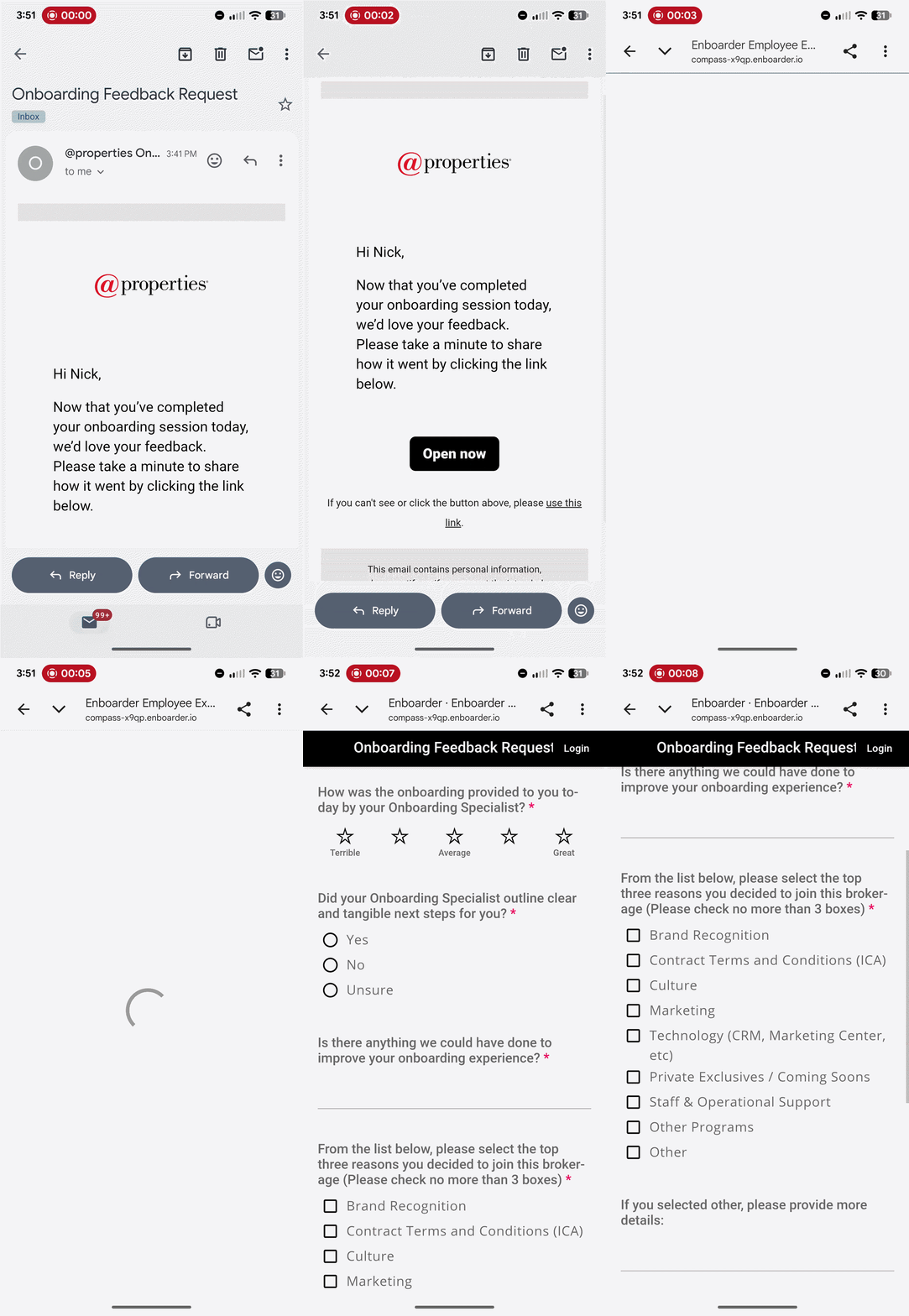
Let’s review what we have accomplished today!
For the next 45 days, the Onboarding Team will be sending you emails that will provide critical information needed to successfully complete your transition to @properties. Let’s discuss what these communications look like and how to successfully interact with the content they introduce!
These messages will introduce you to everything you need at @properties in less than 5 minutes per day!
Onboarding@homeplatform.com
Click below to dive into your Post Onboarding Checklist. This should help you get started and maximize the technology!
Post-Onboarding Checklist


Announce Your Move
Use this moment as an opportunity to engage with your network and announce your move to @properties. Ensure your social media accounts, REALTOR® profiles and voicemail are updated to reflect your transition to @properties.
Digital Ads: Brand, Listing, and Lead ad templates can be found here in the Digital Ads Tool and can be launched across high-performing channels – with just a few clicks!
Social Media: Social templates can be found here in Marketing Center labeled as “Just Joined” with suggested accompanying copy linked here.
Email: The email template “I've Joined @properties” is available in your Marketing Center and can be found here labeled as “Announcement.”
Print Collateral: You can easily create I've Joined postcards and one-sheet’s in Marketing Center. Click here to start exploring.
Congrats on Day One at @properties - any questions?

Continue Your Setup
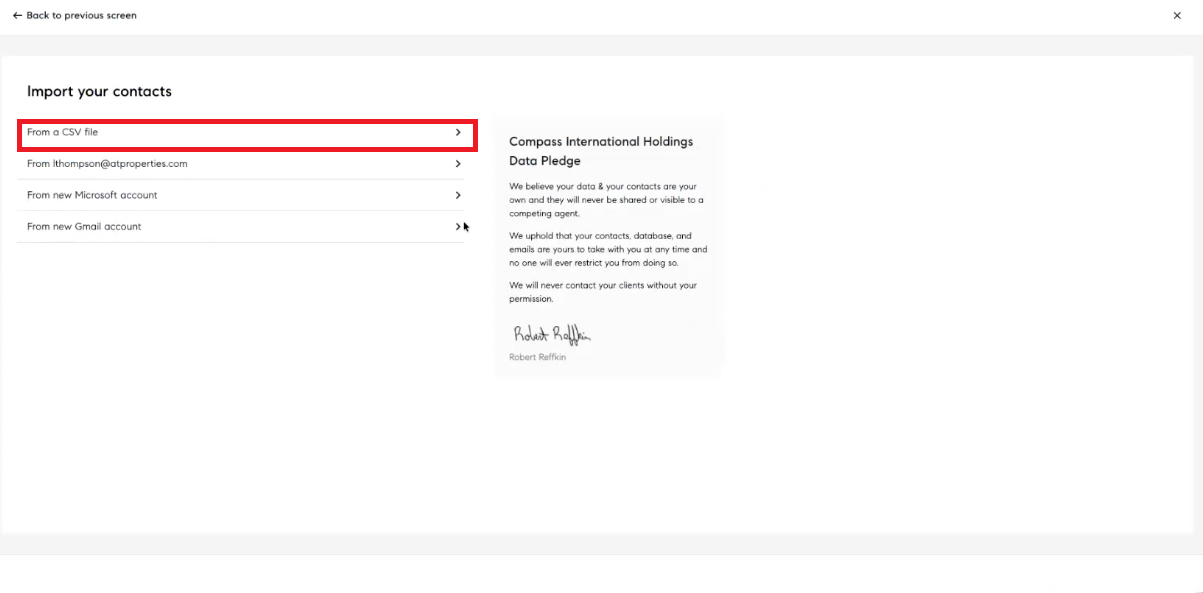
Import Your Contacts
Importing your client list into your CRM is an important first step in your journey. Having an up-to-date CRM will help you stay in touch with your contacts and clients. Use a CSV to make this process seamless as this provides all of the relevant fields found within the Compass CRM. You can also import contacts directly from your phone using the Home Platform Mobile App as well!

Connecting your Facebook & Instagram accounts to the Home Platform
Connecting your Facebook & Instagram accounts to Home Platform is an excellent way to directly post any marketing content you make in Marketing Center on the Home Platform.
You can follow the steps below to learn how to connect your accounts to Home Platform:
Navigate to Agent Home
Click on “Settings” in the bottom, left-hand corner of the screen
Click on the “Social Media Accounts” tile
Click “Connect”
Log into your accounts and complete the connection
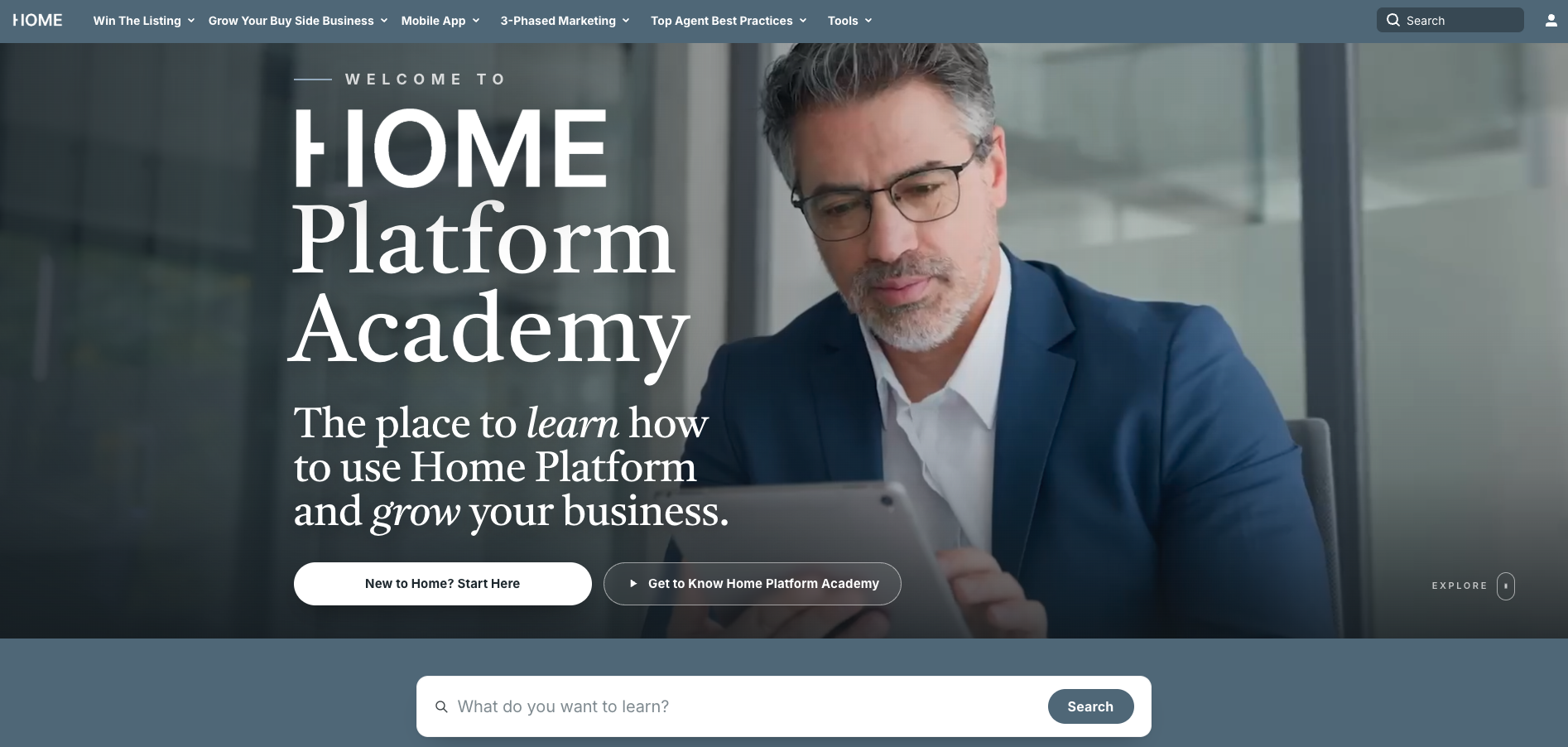
Home Academy
Academy is a course library on:
General Real Estate Topics
Technology
Programs
Agent made courses on how to improve your business
Home Academy is an excellent tool to further your knowledge on a variety of real estates and processes.